

v5.1
- Released Windows, Mac, and Web versions. The Web version is a temporary trial as data is cleared when the cache is cleared.
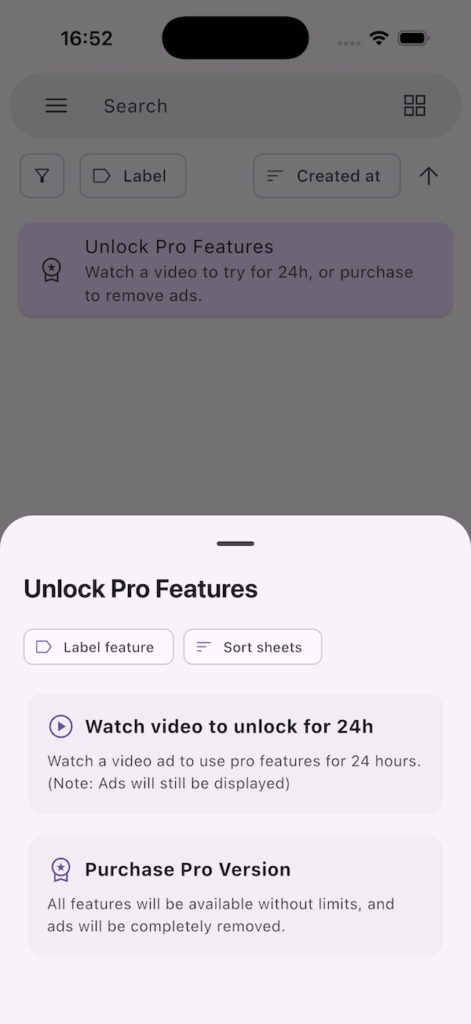
- You can now use Pro features (except ad removal) for 24 hours free by watching a video ad.
- Added the ability to sort labels.
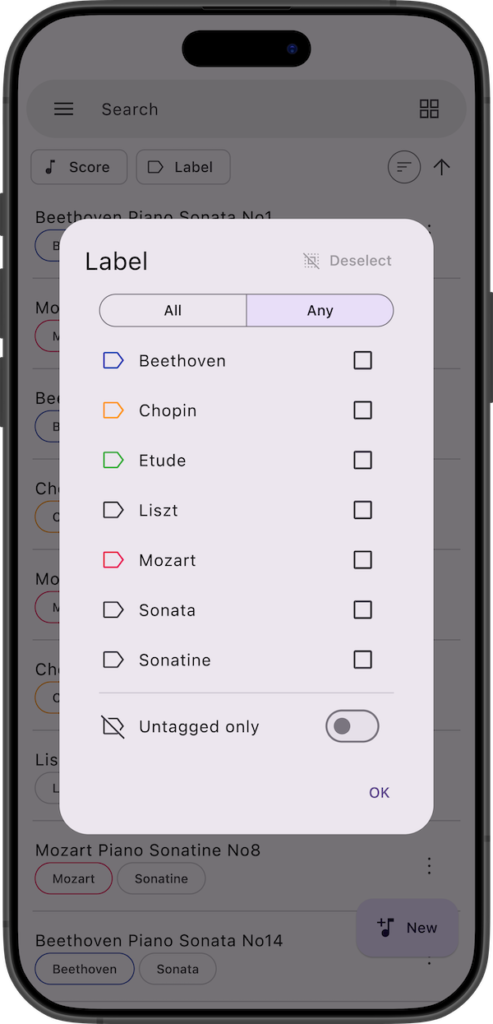
- Added the ability to toggle between “Match all labels” and “Match any label” in label filtering.
- Replaced the “Exact match” switch with an “Untagged only” filter in label filtering.
v5.0
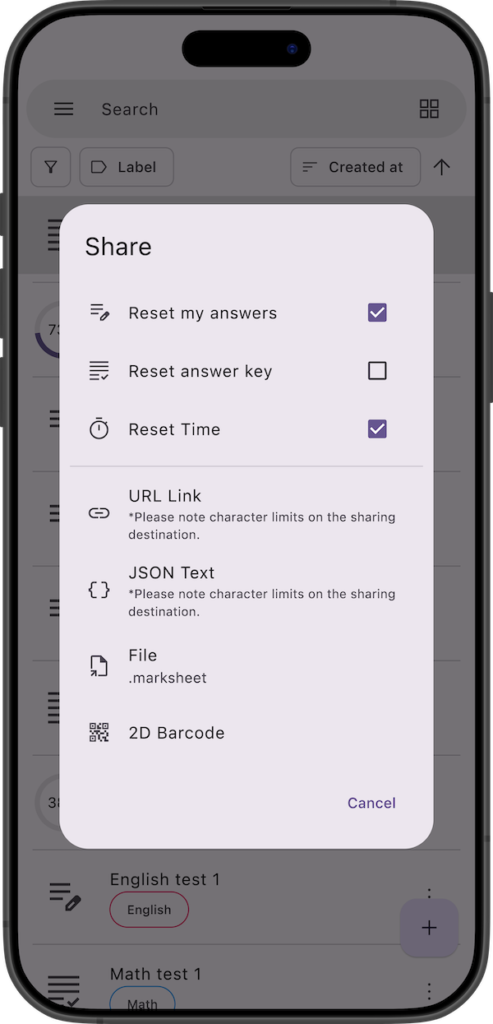
- Added a sharing feature for mark sheets. From the share menu, you can now share via JSON text, URL link, file, or 2D barcode.
- Released a specification template for automatically generating mark sheets using AI, etc.
- Duplication, sharing, and deletion can now be performed not only from the home screen but also from the answer screen.

Details of Key Updates
Release of Windows, Mac, and Web versions(v5.1)
We have released the Windows, Mac, and Web versions!
The Windows and Mac versions are available as paid apps.


Please note that the Web version is intended as a temporary trial experience, as your data will be erased if you clear your browser cache.

In the Windows, Mac, and Web versions, you can add mark sheets by simply dragging and dropping files (.marksheet files, 2D barcode images) directly onto the app’s mark sheet list screen.
Video Ads(v5.1)
By watching a video ad, you can unlock and use Pro features (Label feature, Sort sheets) for 24 hours.
* Please note that this does not remove advertisements.
If you watch another video ad while your 24-hour access is still active, the duration will be reset to 24 hours from that moment.
Label Reordering(v5.1)
You can now reorder labels.
In the label edit screen, you can rearrange your labels by dragging and dropping them.
Label Filtering Improvements(v5.1)
You can now switch between “All” and “Any” (AND search or OR search) when filtering by labels.
Additionally, the “Exact match” switch has been removed and replaced with a new “Untagged only” switch in the label filter.
Sharing Feature
We have added a new sharing feature.
You can now share your mark sheets with other devices that have this app installed.
From the “Share” menu, you can share via URL link, JSON text, file (.marksheet), or 2D barcode.
Shared mark sheets can be imported by tapping the add button at the bottom right of the app and selecting the corresponding option from the menu.
You can also import them by sending the data to the Marksheet app using your device’s standard “Share” options (e.g., Send Copy, Open in App).
For URL links, simply opening the link will automatically launch the app and import the data.
For 2D barcodes, scanning the code with your standard camera app will automatically launch the app and import the data.
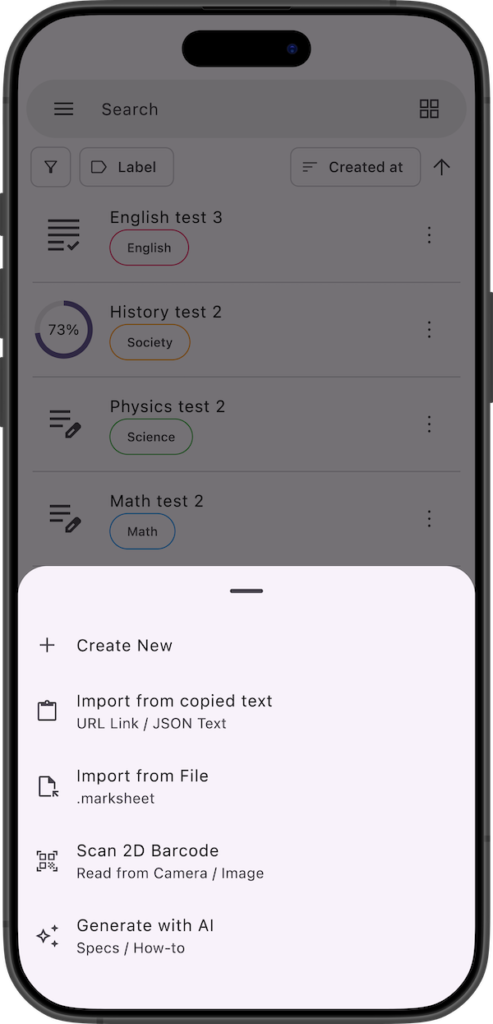
Auto-Generate with AI
We have released the specification document for the data structure used in this sharing feature.
By using this specification document as a prompt, you can utilize generative AI to easily auto-generate your own custom mark sheet data from your personal materials (such as text or PDF images).
For more details, please check the link below. (You can also find this link under “Generate with AI” in the app’s add menu).

If you encounter any bugs or have suggestions for improvements, please contact us using the inquiry form below.